

If you’re looking for a reliable way to turn AI-generated drafts into natural text, this list offers a direct answer. Our team ran strict tests on leading tools, checked tone accuracy, clarity, and detector response, and selected the options that deliver the most human-like results.
In this article, eight converters appear in a clear ranking that shows which tool produces the strongest output and which ones fall behind.
Evaluation Сriteria for AI-to-Human Converters
A fair comparison needs criteria that expose strengths and weak points with no guesswork. Each option that claims to convert AI text to human text faced the same test drafts, detector checks, and accuracy review. This format reveals how a converter reacts once the original text lacks natural tone or clear structure.
Every tool receives a score from 1 to 5 across these points:
- Natural flow. This point shows how well a tool forms text that follows a human rhythm. A strong converter arranges sentences in a clear sequence, avoids robotic transitions, and keeps the message smooth across sections. Any irregular pause, abrupt shift, or mechanical phrasing becomes visible here.
- Meaning stability. Meaning stability reflects the tool’s ability to keep original intent intact. A reliable converter preserves logic, priority, and nuance, even when the draft contains technical details or long explanations. A weak option often loses context, adds unintended emphasis, or reshapes the message in a way that alters its purpose.
- Vocabulary accuracy. This point measures how precisely a tool selects words. High accuracy means correct terminology, appropriate register, and consistent phrasing across paragraphs. A poor result appears when the tool inserts vague wording, misuses terms, or replaces specific language with generic substitutes that weaken clarity.
- Detector resistance. Detector resistance shows how well a humanized text passes AI checks without raising alerts. A strong platform lowers AI probability across multiple detectors and keeps output close to real human writing. A weak platform leaves visible AI traces, which leads to high scores on detection tools and reduces trust in the final text.
- Output stability on long drafts. This point evaluates performance on extended documents. A strong tool keeps tone, style, and logic consistent across several pages, while a weak tool drops quality after the first sections. Instability appears through repetitive structure, tonal drift, or inconsistent terminology. A stable platform maintains continuity throughout the full document.
These criteria show how each converter performs under equal pressure. A weak AI humanizer tool free option often produces uneven tone, while a top AI humanizer tool keeps meaning intact and avoids rigid patterns. This structure gives a transparent view of how consistently each platform handles texts with different lengths and styles.
Top 8 AI-to-Human Text Converters
Before the list begins, it is useful to note that each position reflects real test results rather than assumptions. Stronger platforms appear first because they keep tone steady, reduce detector alerts, and preserve meaning across different text types.
This structure also answers a common question from business teams: What is the best free AI humanizer tool? – by placing the highest-scoring tools at the top and weaker solutions further down the list.
1. Clever AI Humanizer
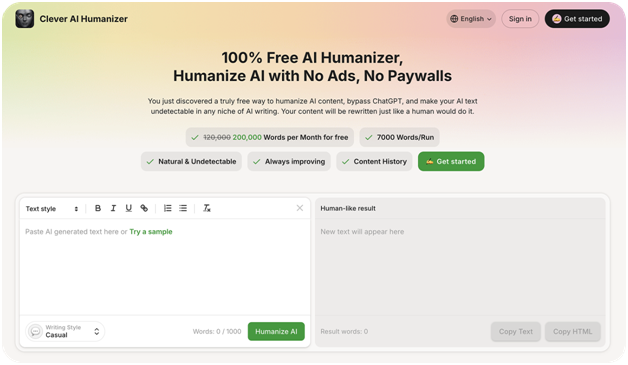
Clever AI Humanizer takes the leading position in our tests because it produces the most consistent and natural human-level output among all evaluated tools. The platform reached 0% AI probability in ZeroGPT and 1% in GPTZero, while the grammar evaluation delivered a strong 94/100, which clearly separates it from typical rewriting tools. Based on what we’ve seen, we consider it the best free AI humanizer available right now.
Independent reviews of the best AI detectors also confirm large gaps between detection engines and show how unpredictable their output may appear in real use cases. This reinforces the value of tools that keep scores low across multiple systems.
During long-form trials, the platform showed excellent control over tone, avoided structural distortion, and preserved meaning even in multi-section analytical drafts. This precision, combined with the platform’s ability to bypass AI detector more reliably than any competitor, positions Clever AI Humanizer as the best way to humanize AI text for users who need polished business-grade output at scale.
Our Score:
- Natural flow correction: ★★★★★
- Meaning stability: ★★★★★
- Vocabulary accuracy: ★★★★★
- Detector resistance: ★★★★★
- Output stability on long drafts: ★★★★☆
Pros:
- 100% free (200,000 words per month)
- 0-1% AI probability in major detectors (ZeroGPT, GPTZero)
- High grammar performance (94/100)
- Three writing styles
- Strong tone consistency across long documents
- Reliable performance for technical, academic, and structured texts
Cons:
- Advanced quality may feel “too clean” for highly informal writing
- No creative styles compared to broader multi-mode platforms
- Best performance appears only with full-length inputs, not fragmented text
2. Originality AI Humanizer
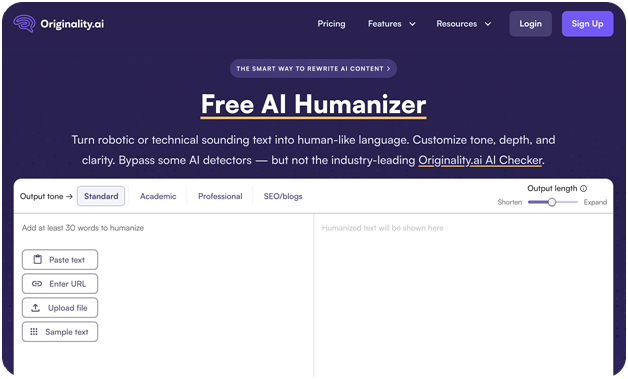
Originality AI Humanizer delivers clear sentence structure and strong meaning preservation, which allowed it to secure the second position in our tests. The tool forms clean, readable output even when the source text receives a 100% AI score in both ZeroGPT and GPTZero, and its grammar evaluation reached 9.5/10, placing it well above many mid-tier converters. The free tier covers small daily edits, while the paid plan expands the capacity up to 300,000 words per month, giving users enough space for ongoing rewriting tasks.
Although not as precise as the top-ranked solution, Originality AI Humanizer performs reliably on short and medium drafts, keeps tone predictable across simple transformations, and corrects structure without altering meaning. Its performance decreases on long or multi-section text, yet it remains a practical option for users who want fast rewrites without complex configuration or advanced control.
Our Score:
- Natural flow correction: ★★★★☆
- Meaning stability: ★★★★☆
- Vocabulary accuracy: ★★★☆☆
- Detector resistance: ★★★★☆
- Output stability on long drafts: ★★★☆☆
Pros:
- Clear and readable output with stable grammar (up to 9.5/10)
- Free use for small routine corrections
- Capable of lowering AI probability on short and mid-length drafts
- 300,000-word paid tier suits moderate workloads
- Simple interface suitable for quick tasks
Cons:
- Noticeable drop in stability on long or complex documents
- Less precise meaning control compared with higher-ranked tools
- Limited flexibility for users who require advanced tone or structure tuning
3. GPT Human AI
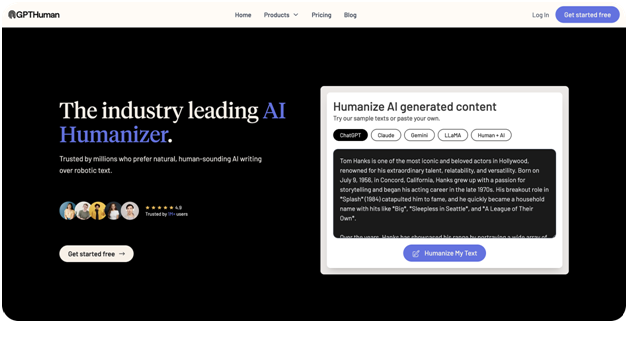
GPT Human AI occupies the third position in the ranking because it offers a balanced level of accuracy for teams that work with medium-sized business documents and require a predictable tone. The entry plan includes 48,000 words, which suits departments that manage weekly updates, structured reports, and operational notes. In detector evaluations, a 100% AI-generated draft scores 32.5 in ZeroGPT and 2 in GPTZero, while the humanized version reaches a 7/10 grammar score. Additional testing shows a 95 grammar score, which helps refine structure and readability.
The tool does not reach the precision of the top options but remains a steady mid-tier solution for companies that need practical correction rather than advanced editing. It reduces AI traces on simple drafts, keeps the main idea intact, and maintains a controlled tone throughout routine business communication. These qualities position it as a reliable choice for teams that require efficient clarity improvements without complex settings.
Our Score:
- Natural flow correction: ★★★☆☆
- Meaning stability: ★★★★☆
- Vocabulary accuracy: ★★★★☆
- Detector resistance: ★★★★☆
- Output stability on long drafts: ★★★☆☆
Pros:
- 48,000-word allowance suitable for ongoing business workflows
- Noticeable reduction of ZeroGPT and GPTZero signals
- Clean structure supported by a 95 grammar score
- Predictable tone for operational and internal communication
Cons:
- Moderate performance on long or complex documents
- Less precision compared with top-ranked tools
- Limited control for users who require deep tone or nuance adjustments
4. WriteSonic Humanizer
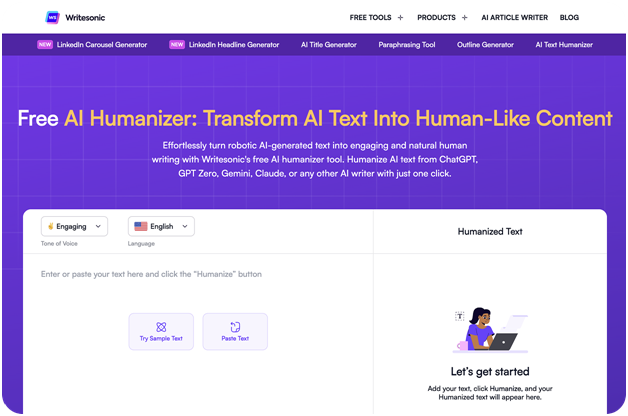
WriteSonic Humanizer takes the fourth position because it offers a strong balance of clarity, structure, and tone for enterprise-level communication. The free plan includes 10,000 words, giving departments enough capacity for internal updates, staff introductions, status summaries, and routine reports. In tests with 100% AI-generated drafts, ZeroGPT returns 39.24, and GPTZero shows 100, while the humanized version reaches an 8/10 grammar score. A 97 grammar score further confirms stable wording and a consistent formal style that suits business environments.
The tool proves effective for teams that require predictable, structured output rather than deep stylistic transformation. It corrects tone, aligns phrasing with corporate standards, and produces a readable human-level result with minimal adjustment. Although its stability decreases on long or complex documents, it remains a dependable mid-tier option for business communication that requires accuracy and uniformity.
Our Score:
- Natural flow correction: ★★★★☆
- Meaning stability: ★★★★☆
- Vocabulary accuracy: ★★★★☆
- Detector resistance: ★★★☆☆
- Output stability on long documents: ★★★☆☆
Pros:
- 10,000 free words suitable for regular business communication
- Strong grammar consistency
- Professional tone that fits structured and formal documents
- Reliable conversion of AI drafts into human-readable text
Cons:
- Weaker stability on complex or multi-section documents
- Less nuanced phrasing compared with top-ranked tools
- Limited flexibility for teams that need advanced tone customization
5. TwainGPT Humanizer
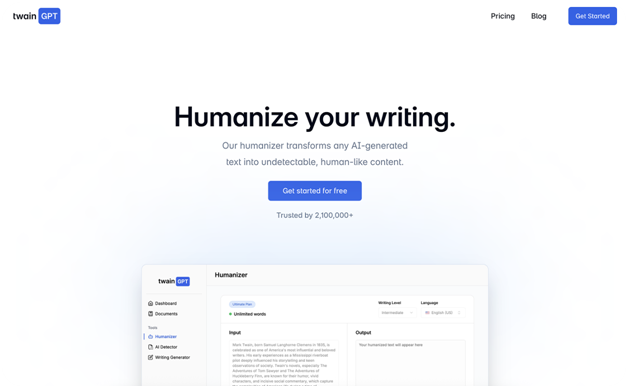
This tool holds the fifth position because it performs well in short, structured communication where companies value precision and strict tone control. The free plan provides 8,000 words, which supports compact tasks such as client follow-ups, internal notices, status summaries, and brief analytical remarks. In detector checks, 100%-AI drafts show 0 in ZeroGPT and 100 in GPTZero, while the refined version reaches an 8/10 grammar score.
TwainGPT Humanizer proves effective for concise business communication because it forms clean sentences, stabilizes tone, and removes the artificial patterns often present in short AI-generated text humanizer. Its weakness appears in long or multi-section documents, yet for small formats it remains a dependable option that delivers predictable, polished results.
Our Score:
- Natural flow correction: ★★★★☆
- Meaning stability: ★★★★☆
- Vocabulary accuracy: ★★★★☆
- Detector resistance: ★★★☆☆
- Output stability on long documents: ★★☆☆☆
Pros:
- Strong sentence structure supported by a 99 grammar score
- 8,000-word allowance suitable for daily short-form business tasks
- Clear and precise tone across brief drafts
- Effective correction for formal notes and micro-updates
Cons:
- Weak performance on long or multi-section documents
- Limited flexibility in tone variation
- Not suitable for detailed reports or extended analysis
6. Monica Humanizer
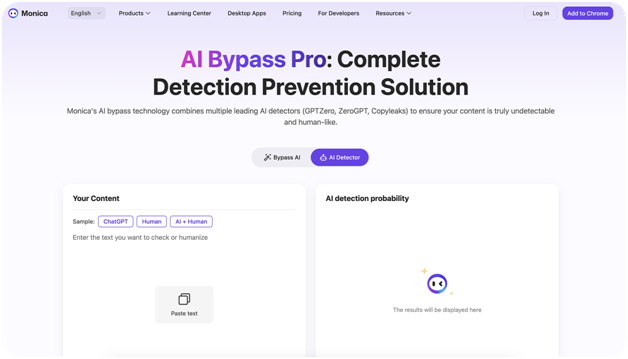
Only minimal tasks fall within the scope of this option, which explains its placement in the sixth position. The free allowance of 250 words limits practical use to short internal messages, customer replies, and simple corrections. In detector checks, raw drafts show 0 in ZeroGPT and 100 in GPTZero, while the refined text holds a 7.5/10 grammar score. These numbers outline a compact tool suitable for brief communication rather than structured documents, especially for users who simply need to make their text sound human in small, controlled cases.
Monica Humanizer suits teams that rely on quick adjustments and do not require deep tone control or extended rewriting capacity. A Reddit discussion highlights the same pattern: compact humanizers assist with small fixes, but business teams that manage daily communication require wider limits and stronger control over clarity and tone. The tool offers minimal support for attempts to bypass GPT Zero, which limits its value in environments where detector results matter. For this reason, it remains a lightweight helper rather than a full AI-to-human solution.
Our Score:
- Natural flow correction: ★★★☆☆
- Meaning stability: ★★★☆☆
- Vocabulary accuracy: ★★★☆☆
- Detector resistance: ★★★☆☆
- Output stability on long documents: ★☆☆☆☆
Pros:
- Clean output for short business notes
- High grammar score (94) supports clarity
- ZeroGPT shows 0 on refined drafts
- Grammarly-level accuracy near 7.5/10
- Efficient for quick reminders and brief replies
Cons:
- Only 250 words are available for free
- Weak performance on long or structured content
- GPTZero score remains at 100, which limits detector-sensitive workflows
- Not suitable for reports, formal summaries, or extended communication
7. Grubby AI Humanizer
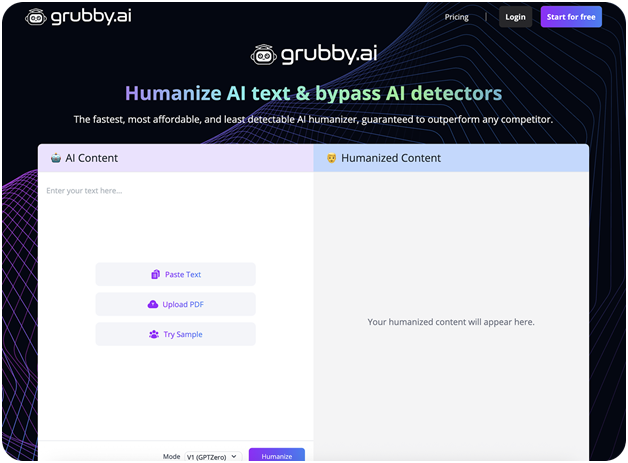
A limited free allowance and modest performance place this option in the seventh position. The plan offers 300 words per month, which restricts its use to quick edits, short internal notes, minor corrections, and brief support replies. In testing, humanized drafts reach an 8.5/10 grammar score, while ZeroGPT reports 57.94 and GPTZero returns 8, which shows partial improvement but not a full reduction of AI signals. A 94 grammar score confirms that the tool provides clean structure within short formats and offers a basic reference point for users who search for how to humanize ChatGPT output in small, controlled fragments.
Grubby AI Humanizer fits scenarios where teams need fast adjustments without complex tone shifts or large-scale rewriting. It keeps short fragments clear and neutral, avoids distortion, and allows simple methods to humanize text from ChatGPT when only minor corrections are required. However, its narrow capacity prevents stable results in long documents, and higher detector readings limit its use in sensitive workflows.
Our Score:
- Natural flow correction: ★★★☆☆
- Meaning stability: ★★★☆☆
- Vocabulary accuracy: ★★★☆☆
- Detector resistance: ★★★☆☆
- Output stability on long drafts: ★★☆☆☆
Pros:
- Clean short-form output with an 8.5/10 grammar score
- 300-word monthly quota suitable for micro-tasks
- High grammar score (94) supports a readable structure
- Useful for quick adjustments and brief internal communication
Cons:
- Very small free allowance
- Higher detector values (57.94 ZeroGPT, 8 GPTZero) than the top tools
- Not suitable for long or client-facing documents
- Limited tone and nuance control
8. GPTinf Humanizer
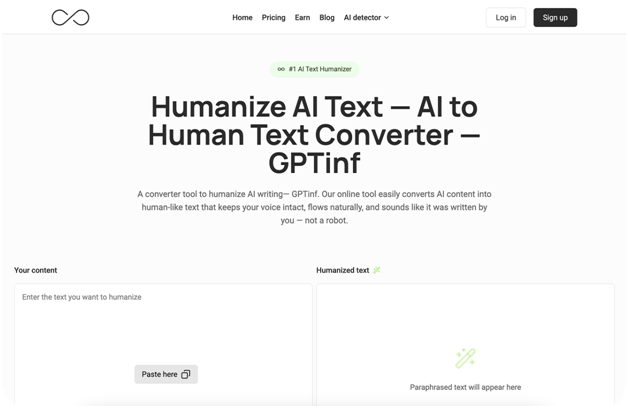
GPTinf Humanizer holds the eighth position due to its narrow free tier and consistently high detector signals. The trial allows only a short test, which restricts practical business use. Humanized output reaches a 9/10 grammar score, and meaning stays accurate in short fragments, yet ZeroGPT and GPTZero both return 100, which shows that the tool cannot reduce AI probability. The structure remains steady in brief drafts, but the lack of a real free quota prevents continuous workflow support or reliable use as a ChatGPT humanizer for teams that depend on stable detection results.
This option fits micro-tasks where a team needs quick phrasing adjustments without expectations of detector improvement or long-form stability. It forms clear, compact text and maintains tone control in simple scenarios. However, the restricted capacity and high detection results limit its usefulness in professional or client-facing communication, which reduces its value for users who require a dependable method to humanize AI writing rather than a minimal assistant for occasional edits.
Our Score:
- Natural flow correction: ★★★★☆
- Meaning stability: ★★★★☆
- Vocabulary accuracy: ★★★☆☆
- Detector resistance: ★★☆☆☆
- Output stability on long drafts: ★☆☆☆☆
Pros:
- Clear phrasing with a 9/10 grammar level
- Suitable for short internal notes and compact briefs
- Stable meaning on small tasks
- Simple operation for fast micro-edits
Cons:
- No real free allowance beyond a minimal trial
- Detector scores remain at 100 in both ZeroGPT and GPTZero
- Not suitable for long-form or client-facing documents
- Limited value for teams that require scalable or low-signal output
Final Summary
This ranking reflects the practical results that appear in our internal tests. Each tool receives its position according to tone stability, grammar accuracy, detector response, and clarity of meaning.
If one question requires a direct answer- who holds the top spot – the conclusion is simple. The strongest tool in this list is Clever AI Humanizer. This free tool reaches the lowest AI detector signals, maintains accurate structure, and keeps a steady tone across long documents. The platform also holds a unique advantage as a world leader in bypassing the GPTZero detector, which places it far above every alternative on the list. No other solution reaches the same balance between natural flow, factual accuracy, and low AI probability.
In addition to our own results, users in Reddit discussions point to the same pattern. A public thread about the best AI humanizer tools for natural writing shows multiple examples of writers who compare platforms and report similar differences in tone stability and detector behaviour.
For this reason, Clever AI Humanizer stands as the clear choice for teams that require the most reliable humanization results and the highest level of trust in business communication.