

An HR team once spent three days trying to create employee ID cards in PowerPoint. By the end of it, the cards were slightly different sizes, the photos didn’t align, and printing them felt like a gamble.
This is more common than people admit.
Creating employee badges shouldn’t require design skills or trial-and-error. A good ID card maker removes the guesswork and helps you create consistent, professional cards quickly especially when you’re dealing with multiple employees.
This guide breaks down eight tools that HR teams actually use, with honest pros and limitations so you can pick what fits your workflow.
Quick Comparison: Best ID Card Maker Tools
| Tool | Best For | Free Plan | Bulk Creation | QR/Barcode | Key Limitation |
| Zoviz | HR teams & bulk creation | Yes | Yes (paid) | Yes | Not for enterprise encoding |
| Canva | Simple designs | Yes | Limited | No | Manual sizing |
| Adobe Express | Clean layouts | Yes | No | No | Not ID-focused |
| ID Card Workshop | High-volume printing | No | Yes | Yes | Desktop only |
| Smartcard Studio | Enterprise access control | No | Yes | Yes | Complex setup |
| BadgeMaker | Event badge production | No | Yes | Yes | Expensive |
| Avery Design & Print | Basic printing | Yes | No | No | Limited features |
| Google Slides | Emergency use | Yes | No | No | Not built for ID cards |
1. Zoviz

If your main goal is to create employee badges quickly and consistently, Zoviz is one of the more practical tools available.
It’s a browser-based ID card maker built specifically for ID cards not general design.
What works well:
- 5,000+ templates for employee badges, student IDs, and more
- Pre-sized to standard CR-80 dimensions
- Built-in QR and barcode generation
- Bulk ID card creation using employee data
- AI layout generator for quick customization
- Supports 100+ languages
Where it falls short:
- No smart card encoding for access systems
- Bulk features require a paid plan
- Not ideal for very large-scale printing (1,000+ cards/year)
For most HR teams, especially in small to mid-sized companies, it handles the entire workflow without extra tools.
2. Canva

Canva is often the first tool people try and for good reason.
What it does well:
- Very easy to use
- Huge template library
- Familiar interface
Where it struggles:
- No native QR or barcode generator
- Card dimensions must be set manually
- Bulk creation is limited
If you’re making a few cards, it works fine. If you’re managing employee onboarding regularly, it starts to feel slow.
3. Adobe Express
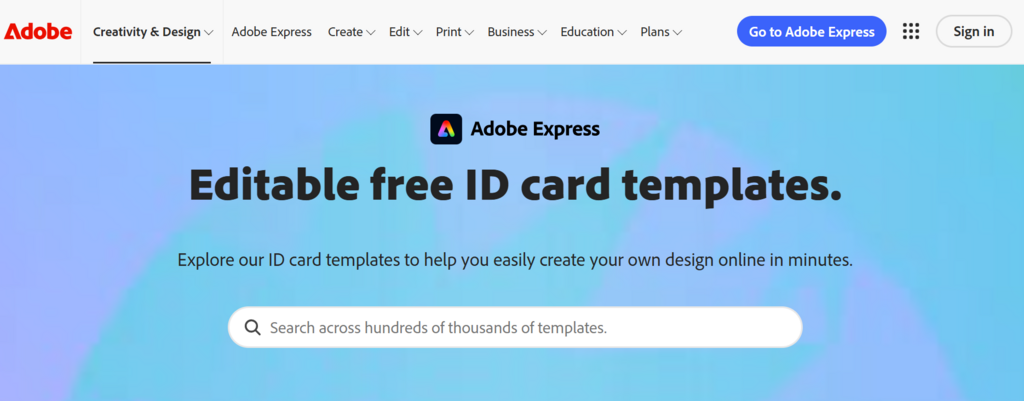
Adobe Express sits somewhere between Canva and more advanced tools.
Pros:
- Clean design interface
- Good typography and layout options
Cons:
- Not built for ID cards
- Limited automation
- Free plan is restricted
It’s a decent option if your team already uses Adobe tools, but not ideal as a dedicated employee id card maker.
4. ID Card Workshop

This is a desktop tool designed for organizations that print ID cards in large volumes.
What it does well:
- Strong batch printing capabilities
- Supports advanced workflows
- Reliable for high-volume use
Where it falls short:
- Windows-only
- No cloud access
- Requires setup and training
This is one area where it actually beats web tools; it handles large-scale printing better than most browser-based options.
5. Smartcard Studio
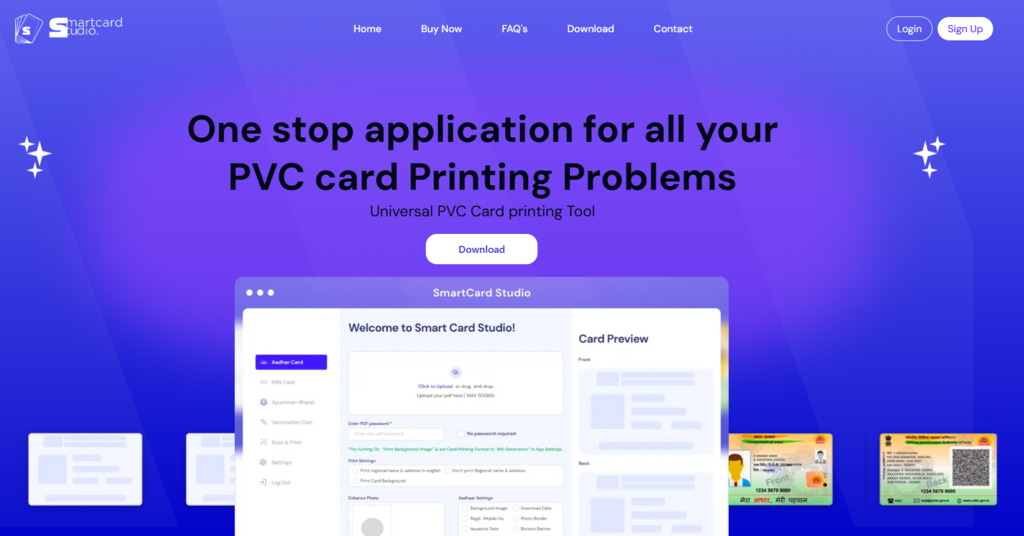
Smartcard Studio is built for enterprise-level ID systems.
Best for:
- Access control systems
- Smart card encoding
- Large organizations
Limitations:
- Complex setup
- Expensive
- Overkill for small teams
If your company uses advanced access systems, this makes sense. Otherwise, it’s more than you need.
6. BadgeMaker
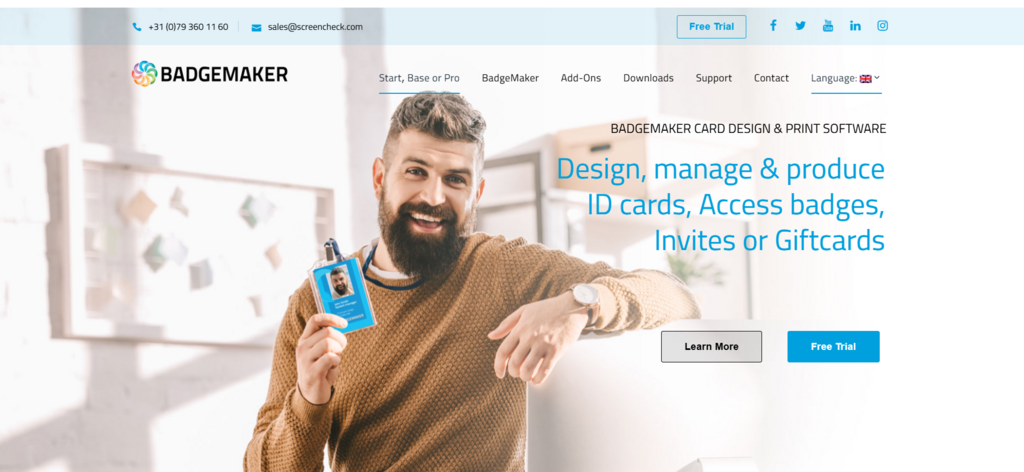
BadgeMaker focuses on event badges and professional badge printing.
Pros:
- Strong customization options
- Good for conferences and events
- Supports bulk badge generation
Cons:
- Expensive (~$499/year)
- Complex for everyday HR use
It’s great for events, but not ideal for regular employee badge creation.
7. Avery Design & Print
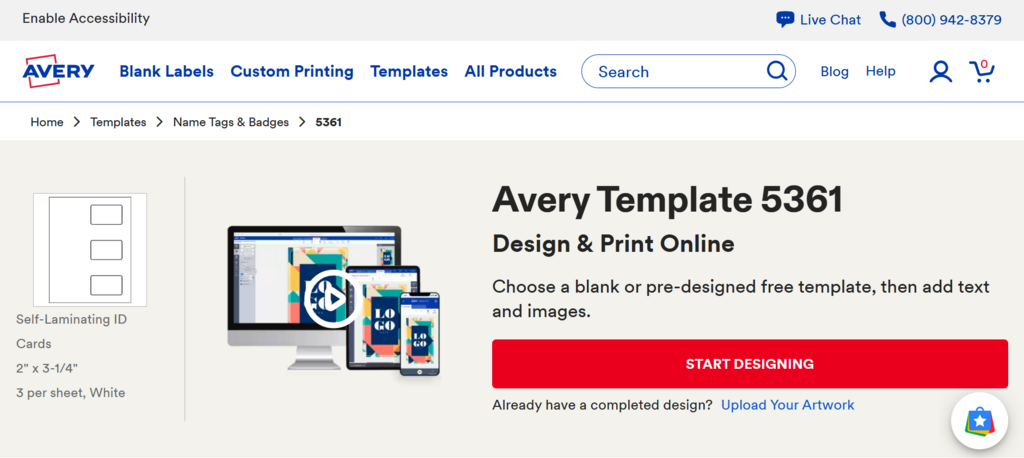
Avery’s tool is simple and completely free.
What it does well:
- Works well with Avery card stock
- Easy to use
- No cost
Where it falls short:
- Very limited templates
- No QR code support
- No automation
It’s fine for basic needs, but you’ll outgrow it quickly.
8. Google Slides
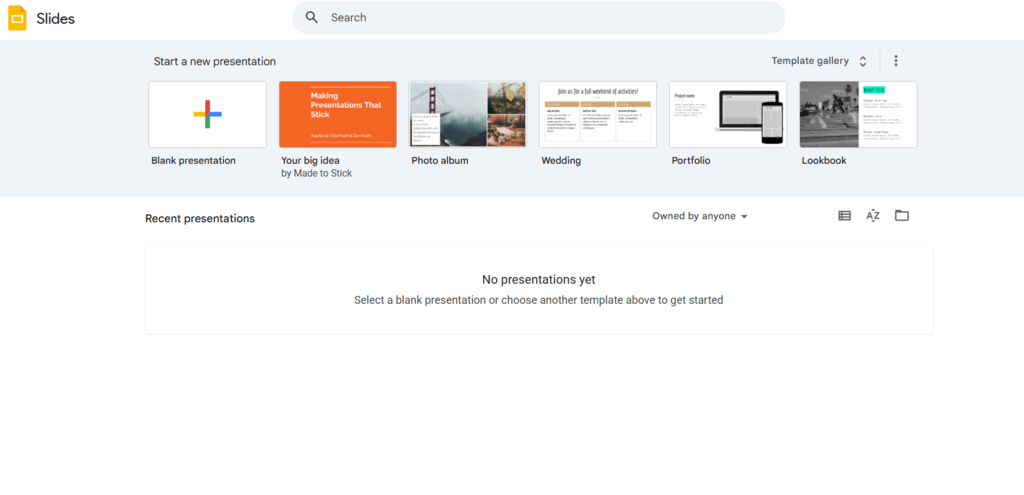
This is the “we need something right now” option.
Pros:
- Free
- Accessible
Cons:
- Not built for ID cards
- No automation
- Time-consuming
It’ll work in a pinch but don’t expect efficiency or consistency.
Pricing Overview
| Tool | Free Plan | Paid Pricing |
| Zoviz | Yes | $29/mo, $49/mo, $99/mo |
| Canva | Yes | $14.99/mo |
| Adobe Express | Yes | $9.99/mo |
| ID Card Workshop | No | ~$99 one-time |
| Smartcard Studio | No | Custom pricing |
| BadgeMaker | No | ~$499/year |
| Avery | Yes | Free |
| Google Slides | Yes | Free |
Zoviz’s free plan allows full design and export, which is enough for small teams. Bulk creation and advanced features require upgrading.
How to Choose the Right ID Card Maker
The right tool depends on your workflow.
Choose based on:
Number of Cards
- 1–10 cards → Canva or Adobe Express
- 10–500 cards → Zoviz or BadgeMaker
- 1,000+ cards → ID Card Workshop
Features You Need
- QR/barcode → Zoviz, ID Card Workshop
- Access control → Smartcard Studio
- Basic printing → Avery
Team Experience
- No design skills → Zoviz or Canva
- Technical team → ID Card Workshop
Common Mistakes HR Teams Make
Using General Design Tools for Everything
They work but they’re not efficient for ID-specific tasks.
Ignoring Bulk Features
Manual work doesn’t scale.
Skipping Standard Dimensions
Improper sizing leads to printing issues.
Overcomplicating Design
Employee badges should be clear, not decorative.
Practical Recommendation
If your team regularly creates employee badges, using a structured tool like Zoviz saves time and avoids common mistakes.
If you only need occasional cards, Canva or Avery ID card makers may be enough.
The key is matching the tool to your workload not just picking the most popular option.
FAQs
What is the best ID card maker for HR teams?
For most HR teams, tools like Zoviz work well because they support templates, bulk creation, and consistent formatting.
Can I create employee badges without design skills?
Yes. Many tools offer templates and drag-and-drop editors, so no design experience is required.
Are free ID card makers reliable?
Free tools like Canva and Avery are reliable for basic use, but they lack advanced features like automation.
How do I create ID cards in bulk?
Use a tool that allows dataset uploads. This lets you generate multiple cards automatically.
What size should employee badges be?
The standard size is CR-80 (3.375″ × 2.125″).
Do I need QR codes on ID cards?
Not required, but useful for attendance tracking and access systems.
Which tool is best for large organizations?
ID Card Workshop or Smartcard Studio are better for large-scale or enterprise use.
Can I print ID cards myself?
Yes, if you have the right printer and card stock. Otherwise, use a professional printing service.
Final Thoughts
There’s no single “best” ID card maker for every situation.
Some tools are better for design flexibility. Others are better for speed and consistency.
For HR teams, the real priority is simple:
- Create cards quickly
- Keep them consistent
- Avoid manual work
Once those are covered, the tool choice becomes much clearer.
Disclaimer:
This article is intended for informational purposes only and reflects general recommendations based on available features, usability, and market presence at the time of writing. The listed employee badge makers are not ranked in any definitive order, and inclusion does not imply endorsement. HR teams should evaluate each platform based on their specific organizational needs, security requirements, and budget before making a decision. Features, pricing, and availability may change over time.